What's in Your Fridge?

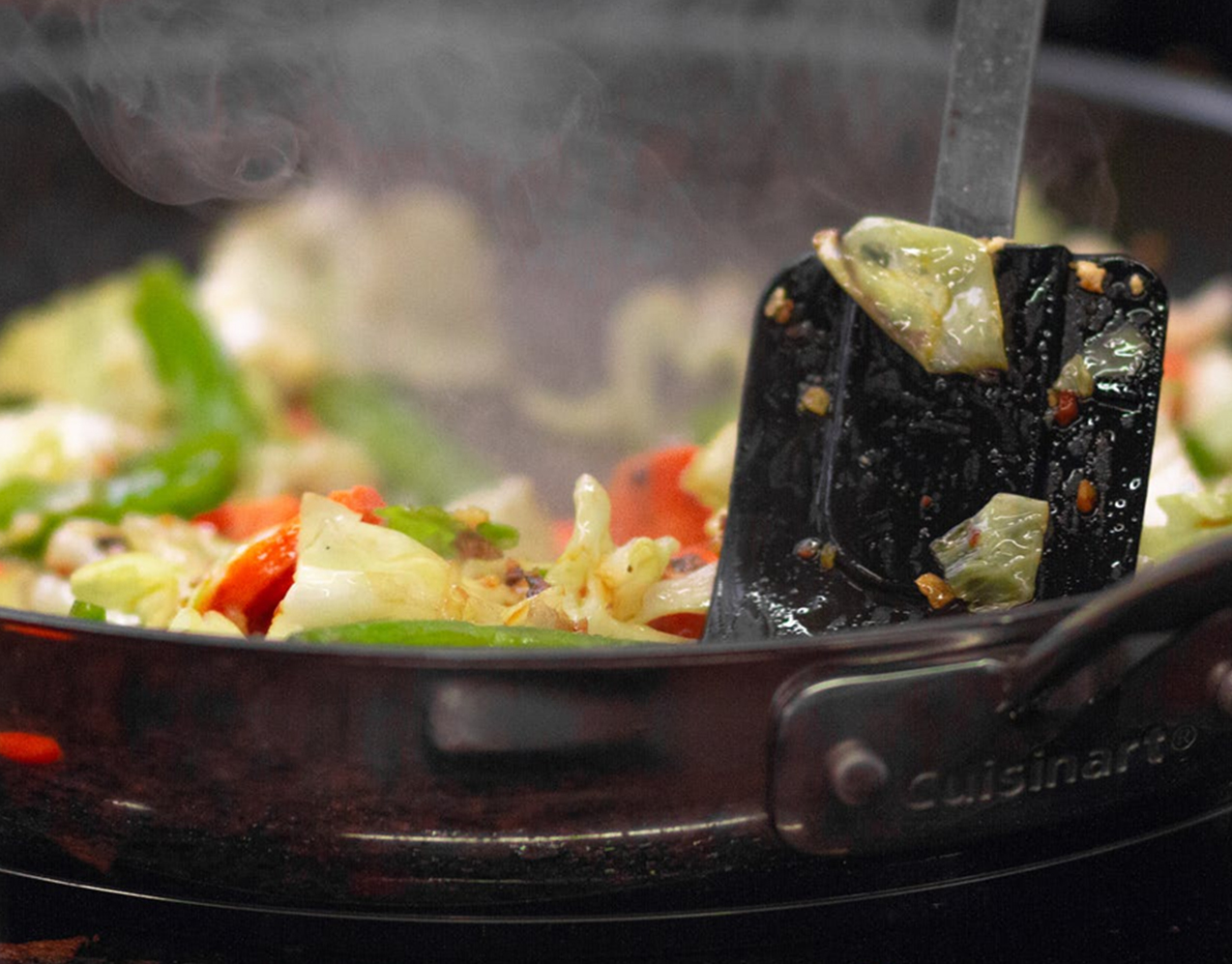
"What should I make for dinner?" In a busy day, we often ask ourselves this question. It could be difficult to know what to make with the limitations to what's in your fridge.

What's In Your Fridge? Takes the difficulty of deciding what to make into providing new and unique recipes based on the ingredients that you have. By imputing your ingredients from either a photo of a receipt, speech or manual input, the app filters recipes such as vegetarian, comfort food and much more!
Hi-Fi & Prototype

With this project, it was very fascinating creating an application that could be later sold on the market. It was a very good learning experience seeing how we could try and make something very user intuitive as this app was targeted towards a broader audience as this app applies to many people.

Firstly, it was wonderful working on new designs and trying different techniques, seeing the different ways to integrate user input and how someone would function through the app was a very good experimentation.

Completed with: Julia Raynham & Dylan Labog

Used: Adobe Illustrator, Premier & XD

Link to Prototype

Sketch

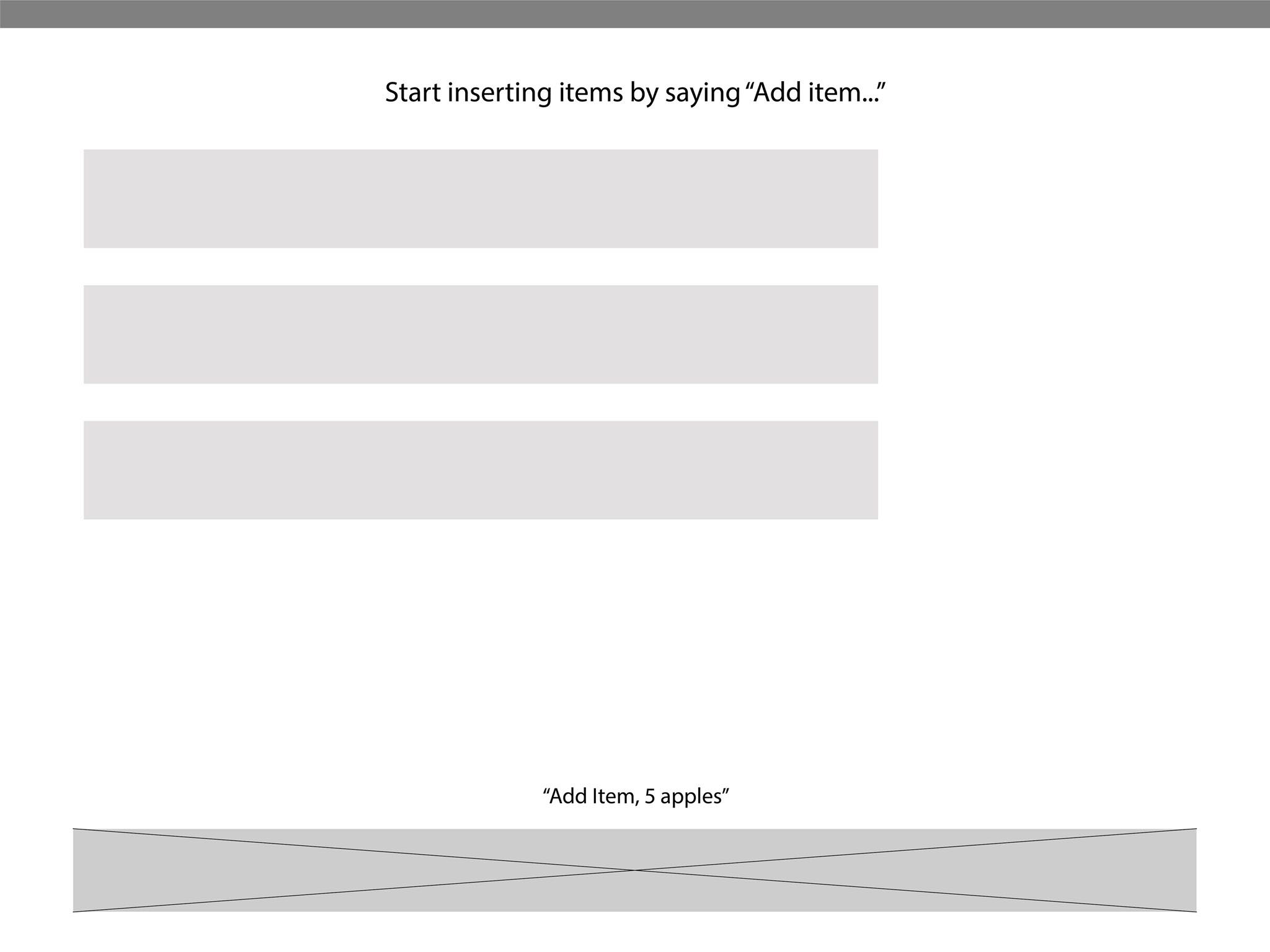
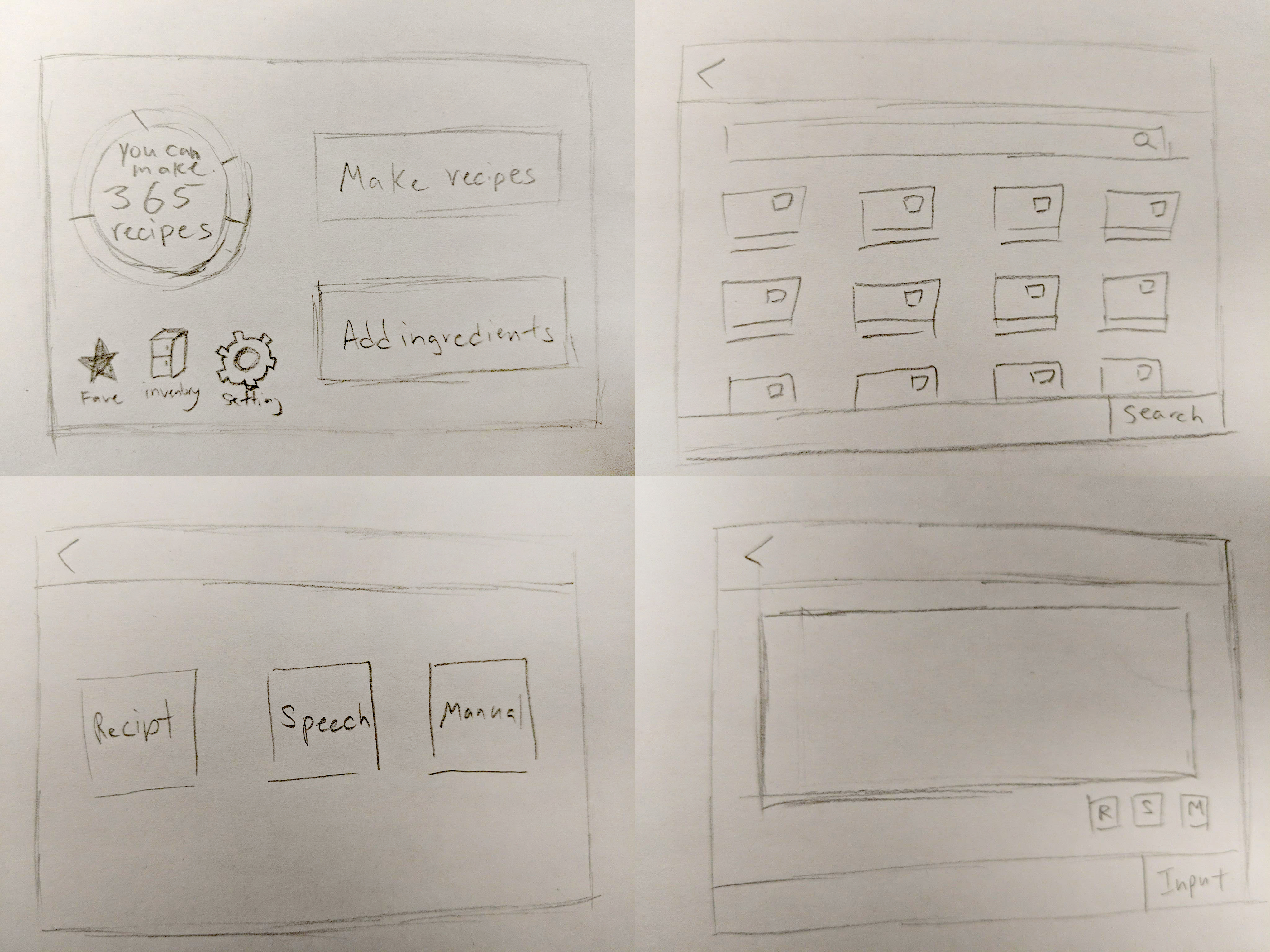
Starting off in the design process, we had a page for either recipes or input however, this forced the user to take an extra step to start up the app thus it was removed early on. Thinking on the easiest way to record a list of groceries, the best idea was taking a picture of a receipt since many receipts show produces that are bought, next would be speech since the user could record items as they look through the fridge, read off the receipt or while they place groceries away. Lastly the most reliable input, manual entering. While we wanted to add an image recognition on the visuals of groceries, it might have been more of a hassle as all produces must be visible to be recorded.

Low-Fi & Afterthought

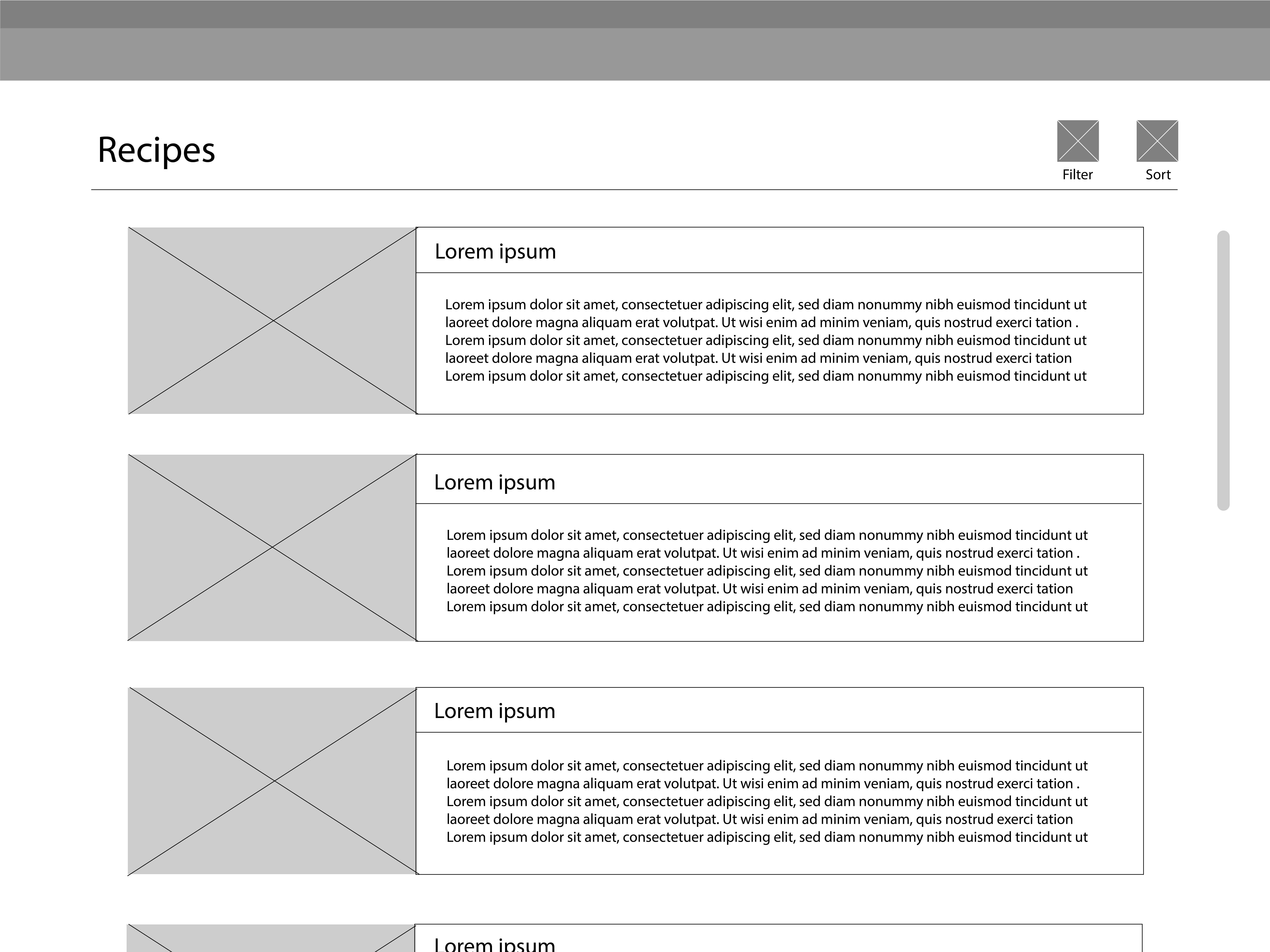
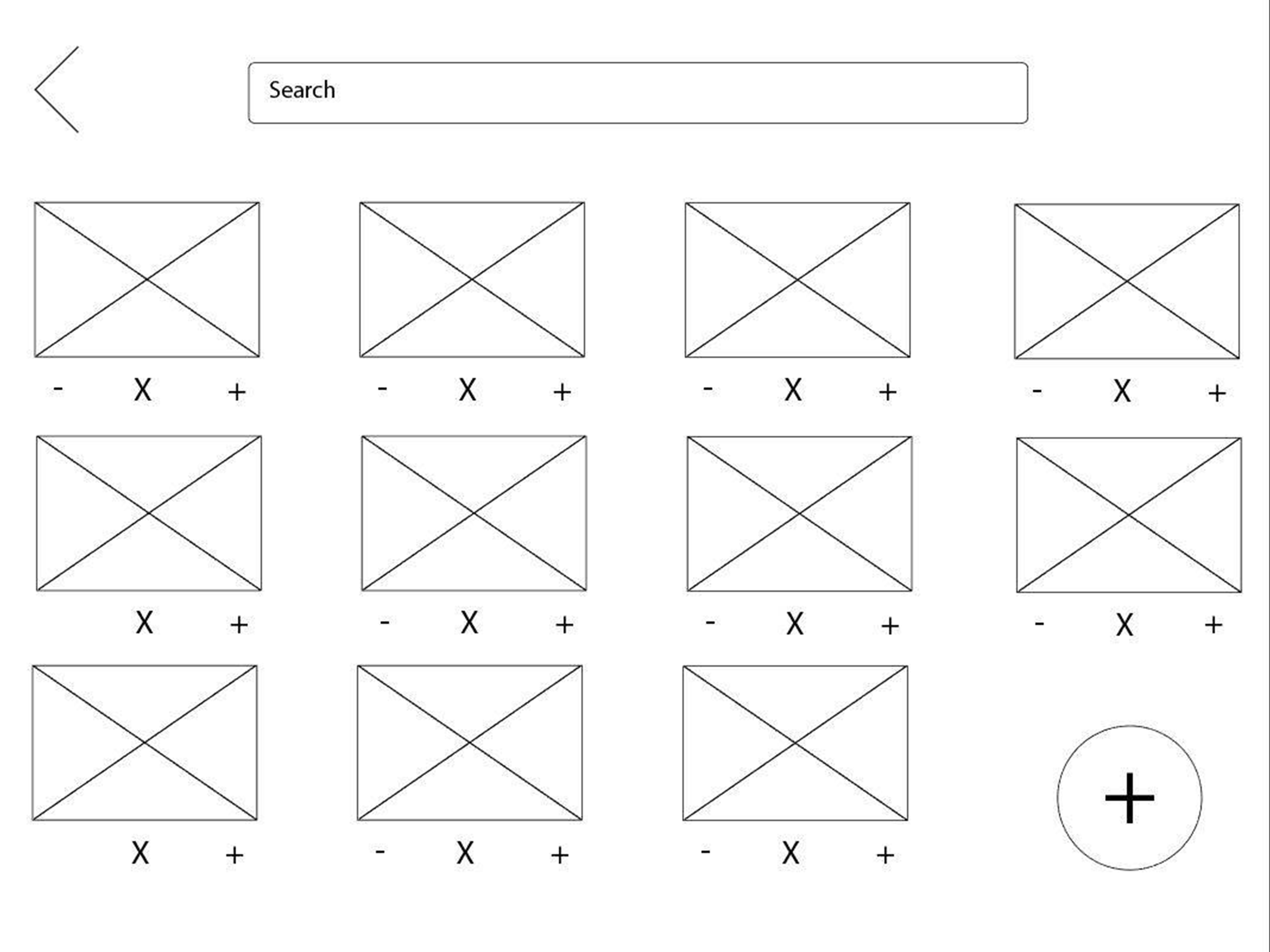
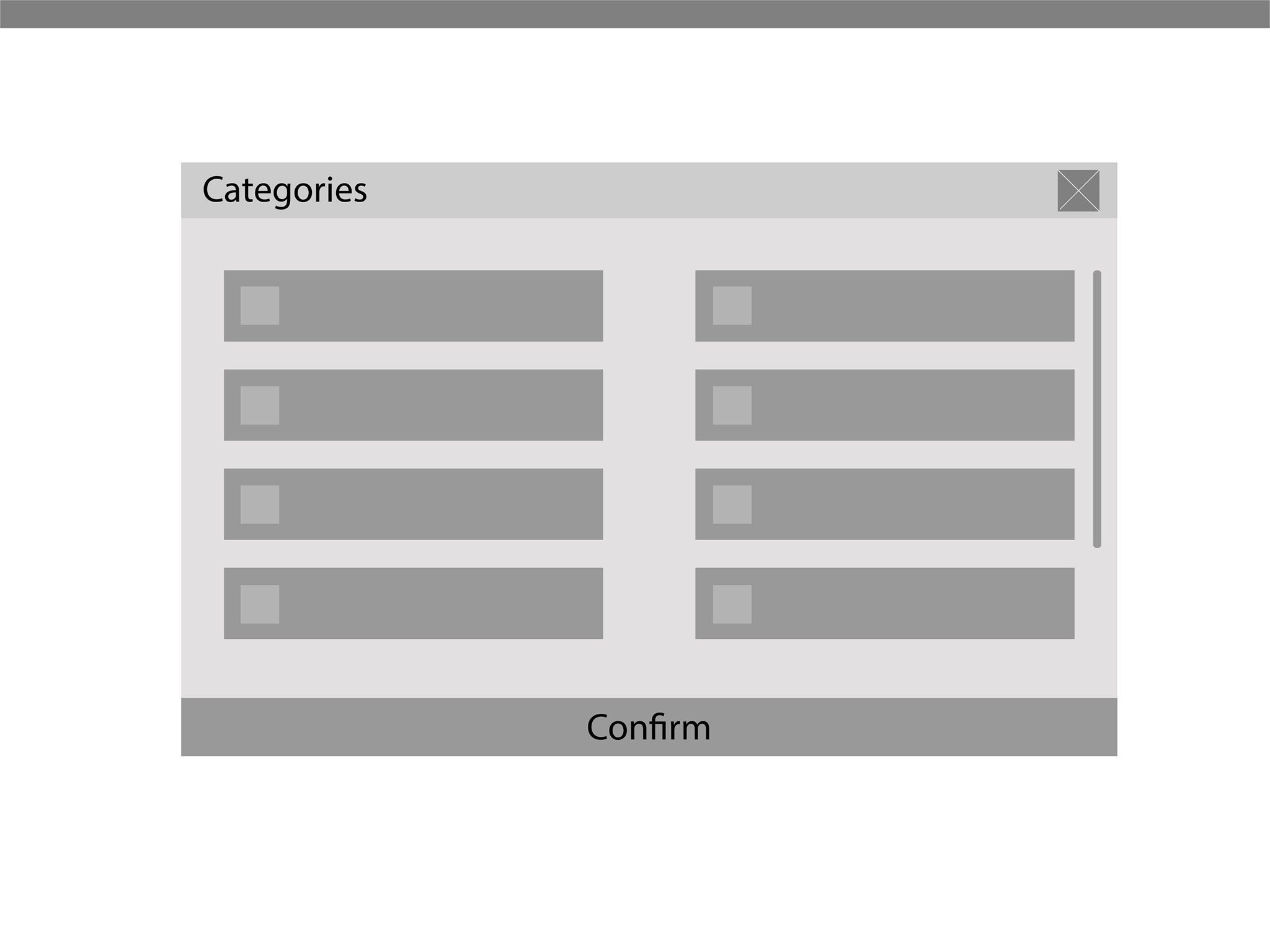
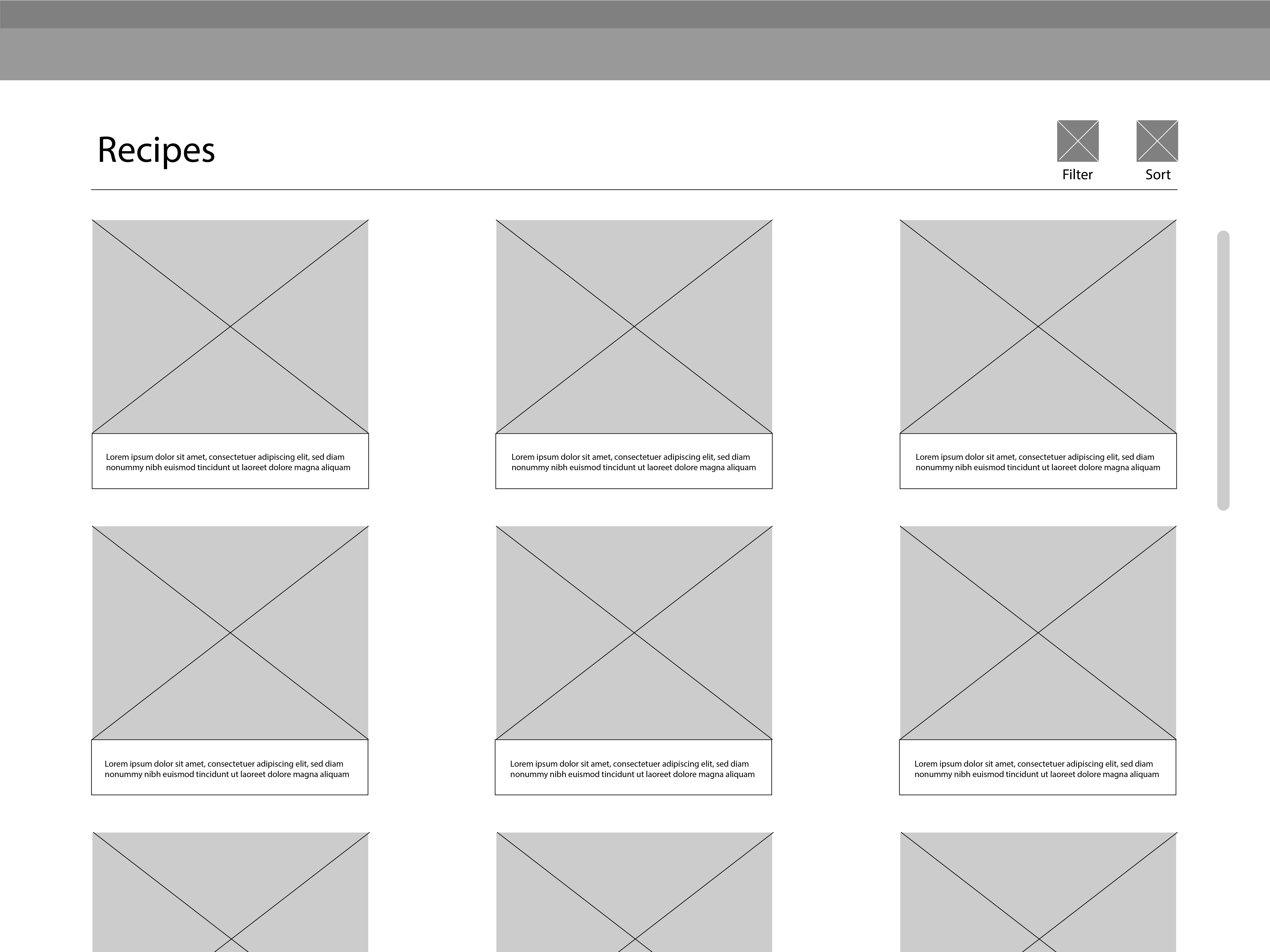
In the beginning, there were 2 types of recipes view, however after some thought a more visually interesting format was chosen. There were some changes for inventory and manual input as it was very cluttered and confusing.

With some testing, we found that the landing page had to have more of a stronger call to action, we added different sized images to allow the user to look around more. Buttons to be more accessible to the hand as well as make buttons unified. We also identified an issue with receipt input as some stores don't specify certain inventory.

Style Tile & After Afterthoughts

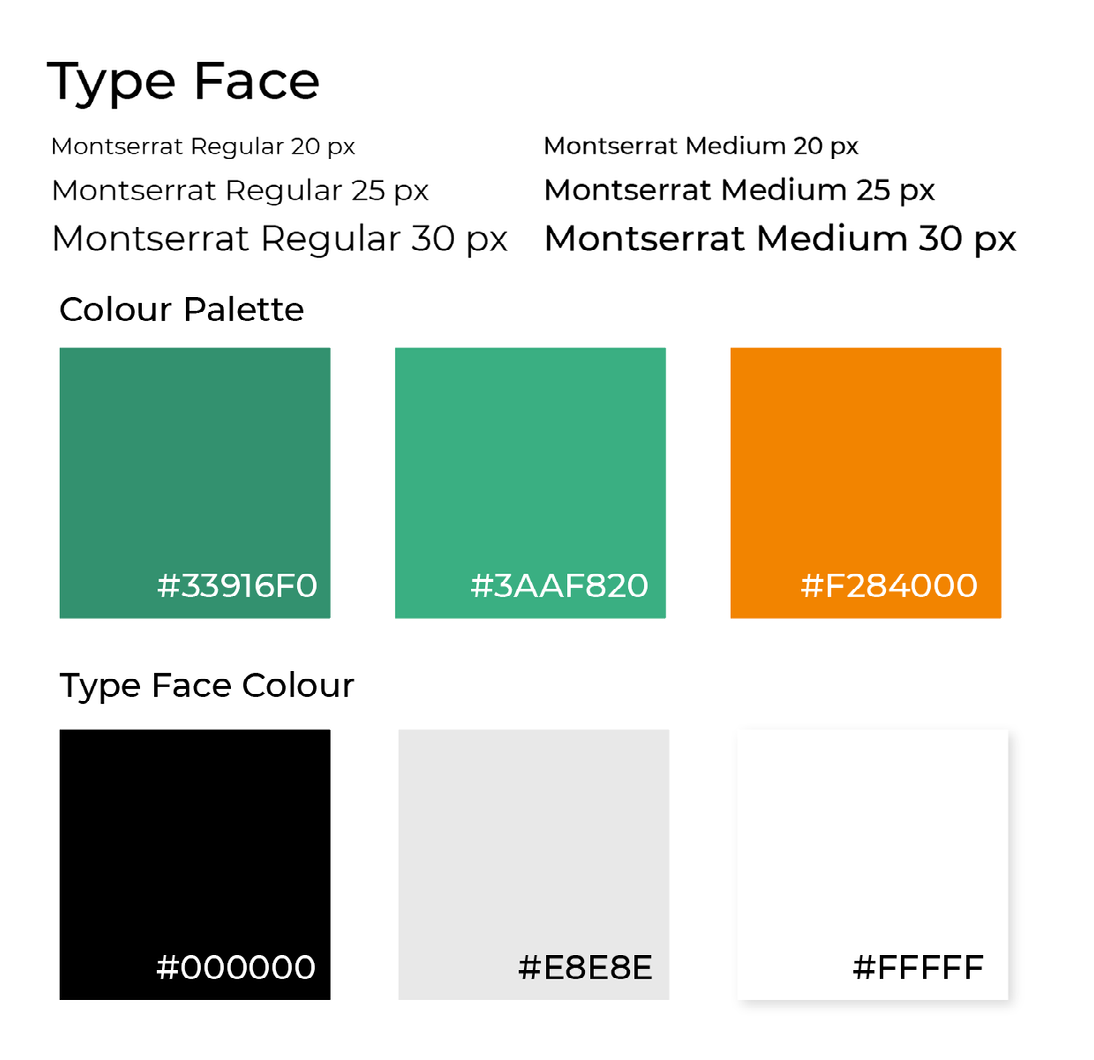
Green is more associated with healthy, earthy while orange felt friendly and very food orientated, matched with an easy to read san-serif font.

As this project is completed, I would like to take the application further into a real life product. With the ideas on partnering up with food delivery programs, advertising companies or grocery stores to support the development of this application. The technology of this program has already been developed and it would be interesting to see how this would do on the market as there has yet to be a successful app that suggests recipes with already obtained ingredients.

Pitch Video

Through this video we would like to show and advertise use cases of the prototype. Through the video we highlighted pain points that we first found when brainstorming on this project. In the video we explain our experience with other applications and how this application resolved such problems.